


In the last couple of months, Google has been aggressively promoting their AI Overview feature, with some, shall we say, “interesting” results:
You can avoid these AI overviews by creating a custom search engine in your browser. A custom search engine can disable or circumvent the Google AI overview.
Step 1: Open your browser search settings
Firefox
Copy and paste “about:preferences#search” into the browser bar.
Chrome
Copy and paste “chrome://settings/searchEngines” into the browser bar.
Step 2: Create a custom search engine
Firefox
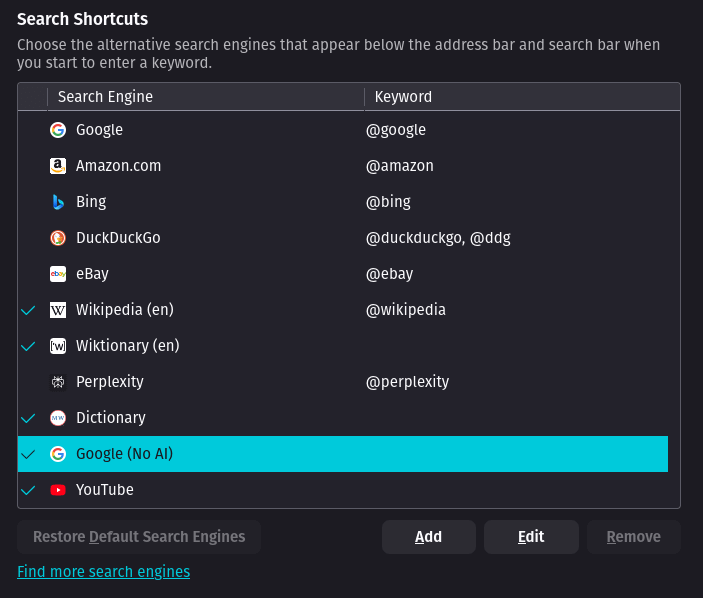
Hit the “Add” button. It will bring up a menu that looks like this:
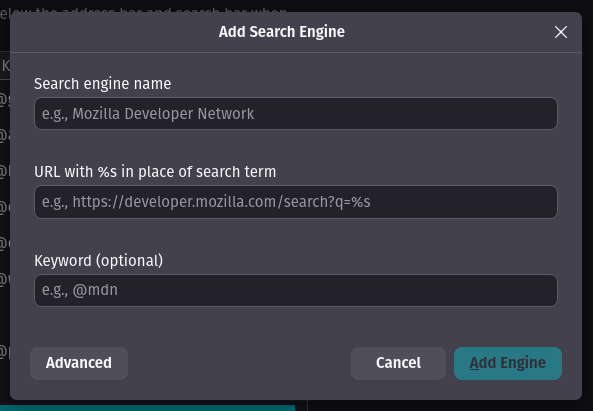
You can call the search engine whatever you want. I use “Google (No AI).”
For the URL you have two options:
https://www.google.com/search?q=%s&client=firefox-b-d&udm=14
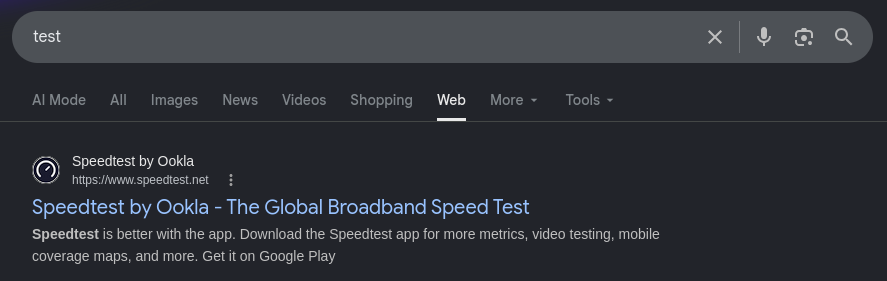
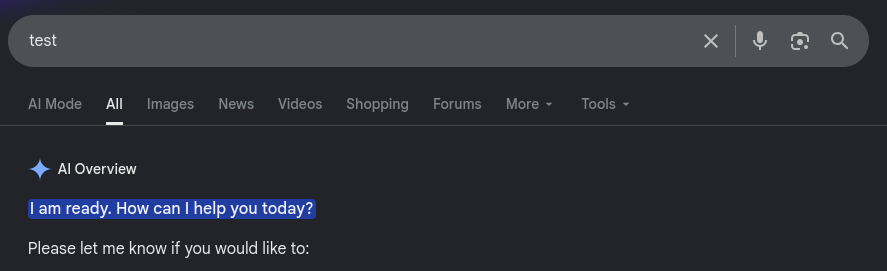
This will make your search default to the “Web” option on Google. You will only see webpage results (this also avoids things like the shopping overview). You can see the usual search results by switching to the “All” tab in your search results: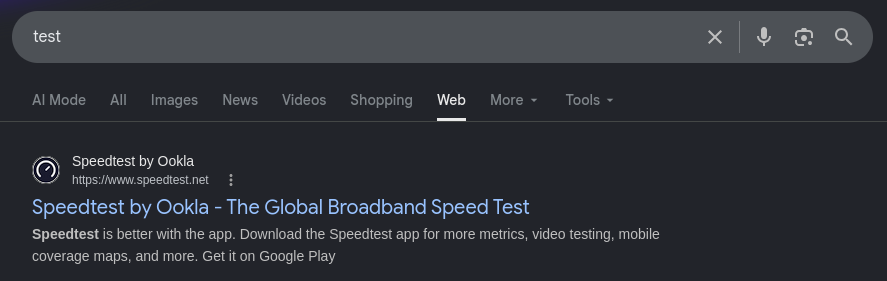
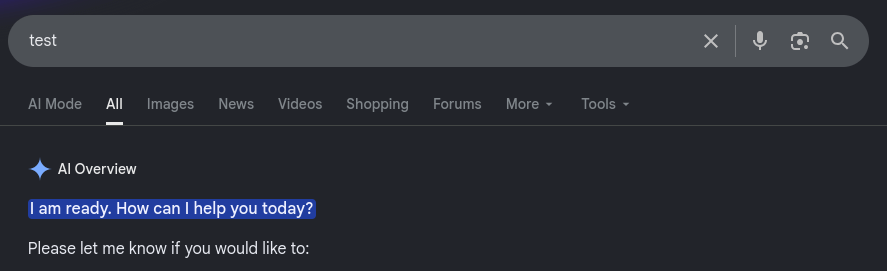
wow, thanks Google, very helpful https://www.google.com/search?q=%s+-ai&client=firefox-b-d
This appends the “-ai” option to your search, which disables the AI overview. You will still see things like the shopping overview. If you really wanted to see the AI overview for s, you just need to remove the “-ai” options from your search.
Chrome
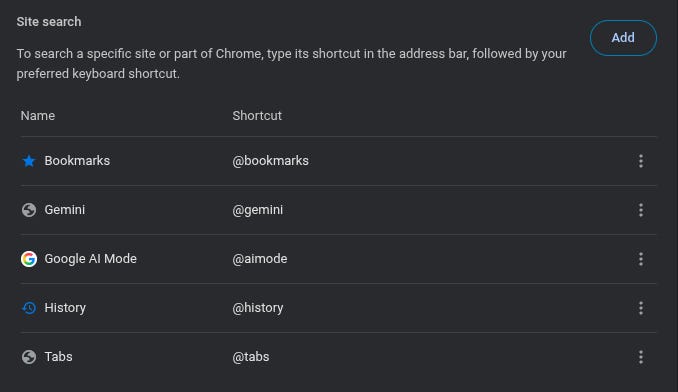
Hit the “Add” button. It will bring up a menu that looks like this:
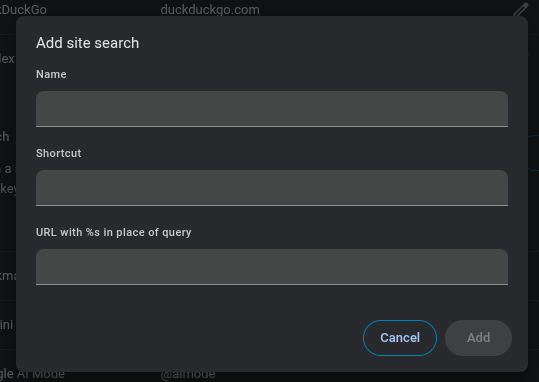
The name and shortcut are not important; they can be whatever you want.
As with Firefox, you have two options for the URL:
{google:baseURL}search?q=%s&udm=14&{google:RLZ}{google:originalQueryForSuggestion}{google:assistedQueryStats}{google:searchFieldtrialParameter}{google:language}{google:prefetchSource}{google:searchClient}{google:sourceId}{google:contextualSearchVersion}ie={inputEncoding}This option will make your search default to the “Web” option on Google. You will only see webpage results (this also avoids things like the shopping overview).
{google:baseURL}search?q=%s+-ai&{google:RLZ}{google:originalQueryForSuggestion}{google:assistedQueryStats}{google:searchFieldtrialParameter}{google:language}{google:prefetchSource}{google:searchClient}{google:sourceId}{google:contextualSearchVersion}ie={inputEncoding}This option appends the “-ai” option to your search, which disables the AI overview.
Step 3: Set the new “no AI” search engine as default
Firefox
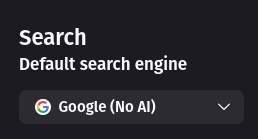
Set the default search engine using the drop-down menu at the top of the page.
Chrome
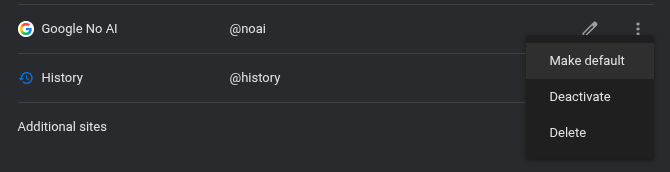
Click on the three dots (the “hamburger button”) to bring up this menu:
Step 4: Enjoy your AI overview-free searches!
Also, if you want some ideas about how you can push back against AI slop by participating in public culture, check out the post linked below!

You living legend.
Phenomenal! Thank you so very, very much!